
Web application · Content management
Bespoke CMS to manage the content of your websites and applications
Rather than a rigid tool, we develop content management applications where every feature matches your needs: writing, approval, publication, languages, media, and content served to your website and your mobile app alike.
Definition
What is a CMS?
A CMS (content management system) is a web application linked to a database that lets you create, organise and publish the content of a website or application: text, images, videos, documents, without touching the code.
Originally very blog-oriented, CMSs now adapt to complete architectures. A bespoke CMS goes further: it reflects your organisation, your roles and your approval workflows, and integrates with your web applications and your information system.
Headless
A headless CMS for the website and the mobile app
A headless CMS separates content management from its display. Your teams write in a single back office; an API then distributes the content to the website, the mobile app or other channels.
It is the right architecture when the same information has to appear in several places, or when the mobile app must be updated without publishing a new version on the stores.
Discuss your projectContent is entered once and published everywhere, each with its own layout.
Features
What your CMS does
Our solutions implement the common features: a foundation on which to add the ones we define together.
Editor and formatting
A text editor to structure and format content, comparable to a word processor.
Versions and publishing
Document version management and a publishing workflow, manual or scheduled.
Users and roles
A user structure modelled on your organisation, with business rules specific to each role.
Multilingual
Content available in several languages, each language able to have its own sitemap.
Media and videos
A module for managing photos, videos and sound, and control of videos hosted on YouTube or Vimeo.
Search and statistics
A full-text search engine for content and documents, and tracking of views.
Comparison
Off-the-shelf CMS or bespoke CMS?
An off-the-shelf CMS is enough for a classic content site. Bespoke is justified when content management follows your own rules.
| Off-the-shelf CMS (WordPress, Drupal…) | Bespoke CMS | |
|---|---|---|
| Features | Those of the tool and its plugins. | Those your teams need, and nothing else. |
| Roles and approval | Generic roles. | Modelled on your organisation and approval workflows. |
| Website and mobile app | Designed primarily for a website. | Content served via API to all your channels (headless). |
| Links with IT systems | Through plugins, if they exist. | Exchanges designed for your software. |
| Getting started | Fast for a classic content site. | Scoping, then successive deliveries. |
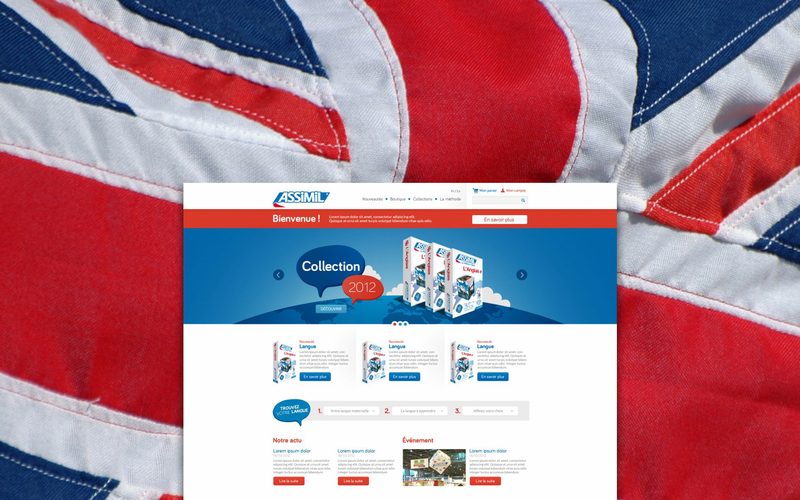
We also use WordPress when it fits, as for the blog ofAssimil. For an existing WordPress site, a WordPress audit helps you decide.
Case studies
Content managed by your teams
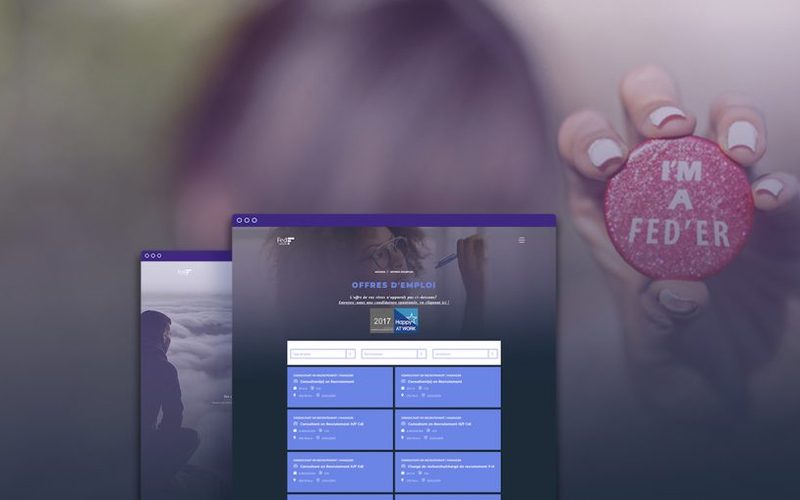
Several Groupe FED websites moved from Drupal to Ruby on Rails, with an admin interface designed for the group’s teams.

Frequently asked questions
What is a CMS?
A CMS, or content management system, is a web application that lets you create, organise and publish the content of a website or application without touching the code: text, images, videos, documents.
Bespoke CMS or WordPress: how to choose?
WordPress suits a classic content site well. A bespoke CMS is justified when your roles, approval workflows, distribution channels or links with other software go beyond what a standard tool can do.
What is a headless CMS?
It is a CMS that manages content without handling its display: it makes it available through an API, so that a website, a mobile app or other channels can each display it in their own way.
Can a mobile app’s content be managed with a CMS?
Yes, that is precisely the point of a headless CMS: the app’s content is updated from the back office, without publishing a new version on the stores.
Can the CMS be multilingual?
Yes. Content can be published in several languages, and each language can have its own page structure.
Can you replace our current CMS?
Yes. We carry over the existing content and migrate it to the new CMS, as for the Groupe FED websites that moved from Drupal to Ruby on Rails. See also our website redesign page.
A CMS project?
Tell us about your content, your teams and your distribution channels: we will propose the most suitable solution.